Translate a video
How to translate a YouTube video that has no subtitles
When a YouTube video has no captions, its CC button is greyed out and YouTube has nothing to translate: Auto-translate and the transcript both start from captions. What still works is a tool that listens to the video itself. We tried ours, the Vocnu extension, on an hour-long talk in Croatian with no captions of any kind on 12 November 2026, and the first English line came 36 seconds after we switched it on.

Why YouTube cannot translate it
YouTube's own translation is Auto-translate, under the gear and then Subtitles/CC. It turns a caption track into another language: the creator's captions, or the ones YouTube makes from the speech and marks "auto-generated". The transcript in the description is those same captions, listed with their times. A video with neither kind of caption has no Subtitles/CC in its menu, no Auto-translate and no transcript, so there is nothing to translate.
When captions are there, how to translate a YouTube video goes through every free way, and the translated audio tracks some videos carry. This post is about the videos where all of that comes up empty.
How to tell a video has no captions at all
- Point at the CC button at the bottom right of the player. When it is greyed out, it says "Subtitles/closed captions unavailable".
- Open the gear. A video with captions has a Subtitles/CC line there; one without has none.
- Open the description. A video with captions has a Transcript part with a Show transcript button; one without has no such part.
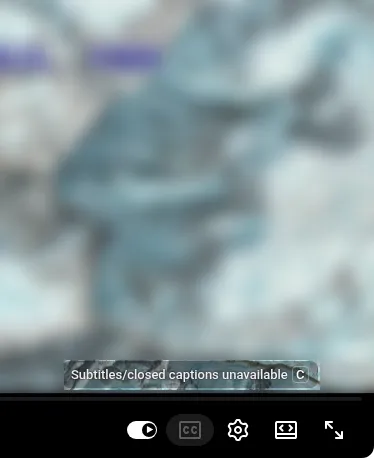
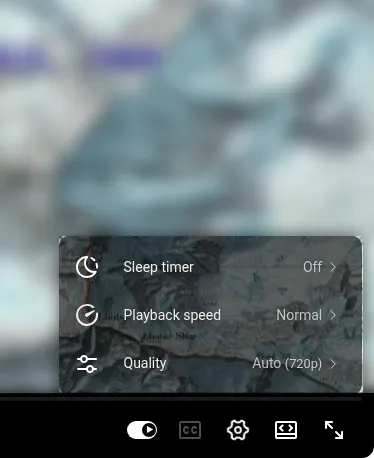
Videos like this are common. The creator may add no captions, and YouTube makes them only in some languages. Its help page on automatic captions listed 67 when we read it on 12 November 2026, and Croatian, Serbian, Slovenian, Catalan, Welsh and Urdu were not among them. In a listed language, the same page says captions can still be missing when they are not ready yet, the video is too long, the sound is poor, a long silence opens the video, or several people or languages speak at once. Live streams get automatic captions in English only.
What still works without captions
Anything that works here has to start from the sound and recognise the speech first, the step YouTube skipped. Three kinds of tool do that:
- A transcript generator that transcribes the audio: paste the video's link, get the text, then put it through a translator. One that only copies YouTube's captions has nothing to copy here. Good for reading or quoting, but you read it beside the video, not over it.
- A video translation service: paste a link or upload the file, and get a translated version back once it is processed. That suits someone translating their own video more than a viewer.
- A voice-over extension that works from the video's sound: it translates while you watch and reads the translation aloud, with subtitles over the player. Vocnu is one.
A translator extension that works from YouTube's captions stops where YouTube does, so before you install one, look for a line saying it works from the audio. If the video is your own, add captions to it and every viewer gets Auto-translate; an upload to Vocnu makes subtitle files from the sound for YouTube Studio.

Our test: an hour-long talk in Croatian
We picked "Predavanje: Ekspedicija na mt Everest 1979": Vladimir Mesarić's talk about the 1979 Everest expedition, filmed at the Alpinistički Odsjek Željezničar climbing club's summer school in 2013 and published on YouTube under a Creative Commons Attribution licence. It runs a minute over an hour. On 12 November 2026 its player had the greyed-out CC button, no Subtitles/CC under the gear and no transcript.
The setup is the same as for any video:
- Add Vocnu to Chrome from the Chrome Web Store. Brave and Edge install it from there too.
- The extension opens the Vocnu app: sign in or create a free account, and press Connect the extension.
- Open the video and press the Vocnu button in the browser's toolbar, or Alt+Shift+V.
- Choose your language, a voice and a grade, and play. We chose English and Economy, 1:44 into the talk.
| What we looked at | What happened |
|---|---|
| First English line | 36 seconds after we switched Vocnu on. Until then the video waited while Vocnu showed how far it had got. |
| One of the first lines | "What came before that expedition?" The slide on screen asked the same in Croatian: "Što je prethodilo?" |
| What we heard and saw | One English voice over the Croatian, which was turned down to about a third, and English subtitles over the player |
| A jump and a reload | The English came back 30 seconds after we jumped a minute ahead, and 22 seconds after we reloaded the page |
| Credits charged | 2 credits for the 4 minutes Vocnu voiced in Economy. Playing those minutes again after the reload was free. |
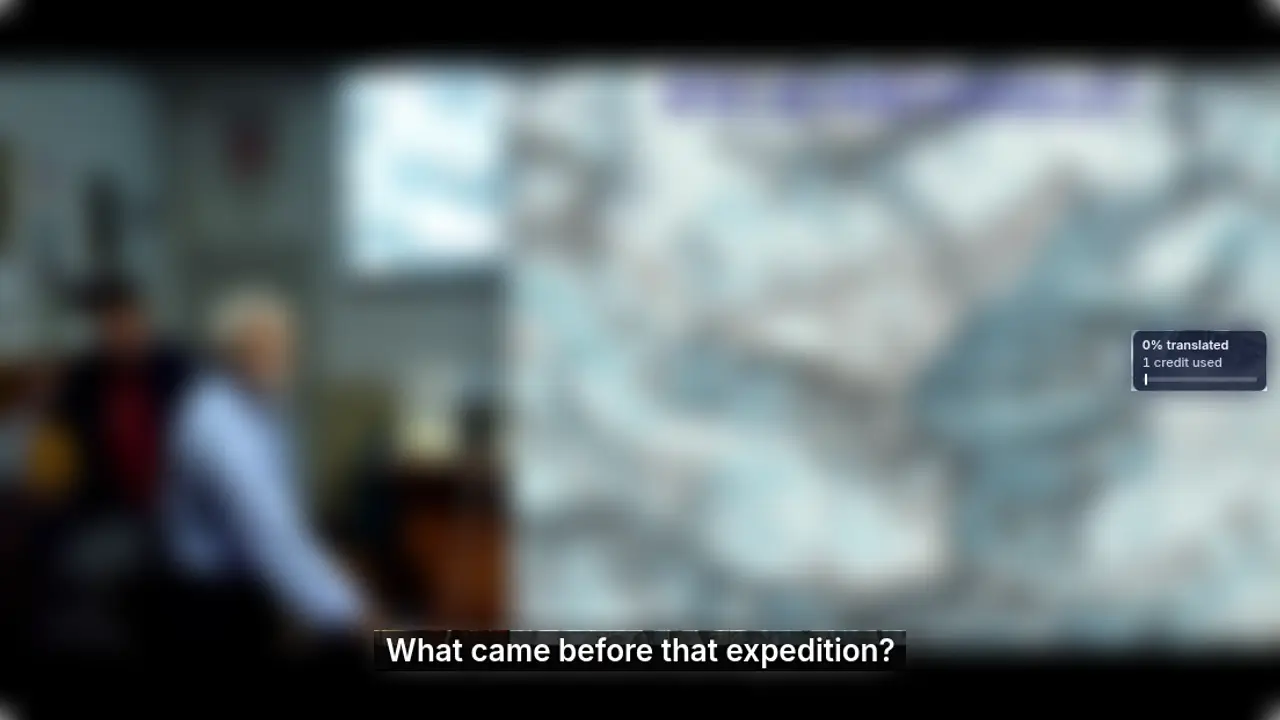
Vocnu recognised the Croatian by itself; we only chose English. After the reload, the same sentence came back as "What preceded that expedition?", so the wording of a line can change from one play to the next. Economy has Vocnu's plainest voices, and Premium translates with a larger model than Standard and Economy, so for a talk where every term matters, Premium is the safer pick.
Want it in English? The English voice-over guide lets you listen to every English voice before you pick one.
What it costs for your video
Vocnu charges for the minutes it voices, rounded up per video, at the grade you pick: 0.5 credits a minute in Economy, 1 in Standard, 2 in Premium. A video with no captions costs the same as one with them. In euros, from the largest credit pack to the smallest:
| Video | Economy | Standard | Premium |
|---|---|---|---|
| 10 minutes | 5 credits, €0.33 to €0.50 | 10 credits, €0.66 to €1.00 | 20 credits, €1.32 to €2.00 |
| This 61-minute talk | 31 credits, €2.05 to €3.10 | 61 credits, €4.03 to €6.10 | 122 credits, €8.05 to €12 |
A new account gets 40 free credits once it confirms its email, no card needed: 80 minutes in Economy, enough for that whole talk. Watching the same minutes again within 90 days, in the same language, voice and mode, is free, and credit packs start at €5.
The limits
- It runs in Chrome, Brave and Edge on a computer, not in the YouTube app on phones, tablets or TVs.
- One voice reads every speaker, over the lowered original sound. Lips are not matched.
- Machine translation can be wrong, with names, places and terms most of all. Standard and Economy use smaller translation models than Premium, so they slip more often.
- At the start the video waits about half a minute while Vocnu hears, translates and voices the first part.
- Music over the speech or several people talking at once make mistakes likelier, as they do for YouTube's own captions.
- For songs, the extension has two switches, Song subtitles and Voice songs: one shows the lyrics in your language, the other has them read too. Into Croatian and Slovenian there is no Economy voice yet, so those voice-overs are Standard or Premium.